Are you tired of the same old chat routines on Discord?
Looking for something fresh that brings a different vibe to online interactions?
You're not alone. Many users seek alternatives for a variety of reasons, whether it's privacy concerns, a desire for unique features, or simply the need for a platform that fits their community better. Whatever your motivation may be, this article is here to guide you through some intriguing options that could be just what you're looking for.
In this comparison, you'll learn about various apps that serve as alternatives to Discord. We’ll explore what each one offers and who might benefit the most from these platforms. By the time you’ve read through, you should have a clearer idea of what might work best for your online community, whether it’s for gaming, hobbyist groups, or professional networking. Let’s dive in and see what’s out there!
Website: https://www.oddcircles.com
Pricing: Free

Odd Circles is an innovative platform that focuses on creating meaningful conversations.
It's designed for those who are tired of traditional chat structures and are seeking something that fosters collaboration and engagement. Users have lauded its unique approach to discussions, with many noting that it's particularly well-suited for smaller communities or specialized interest groups.
The easiest way to describe it? It's all about making connections feel less transactional and more personal.
One of the standout benefits of Odd Circles is its user-friendly interface that encourages spontaneous engagement. You don’t need to be a tech guru to start using it, which is a major plus for new users. Reviews often highlight how easy it is to set up, and the platform’s ability to keep conversations flowing naturally without overwhelming users with notifications is appreciated by many.
However, it does come with limitations. While a lot of users love its simplicity, some feel that it lacks robust moderation tools and integration features compared to other apps. Nevertheless, it shines through its core features: informal chat settings, engaging visual layouts, and a strong emphasis on community building.
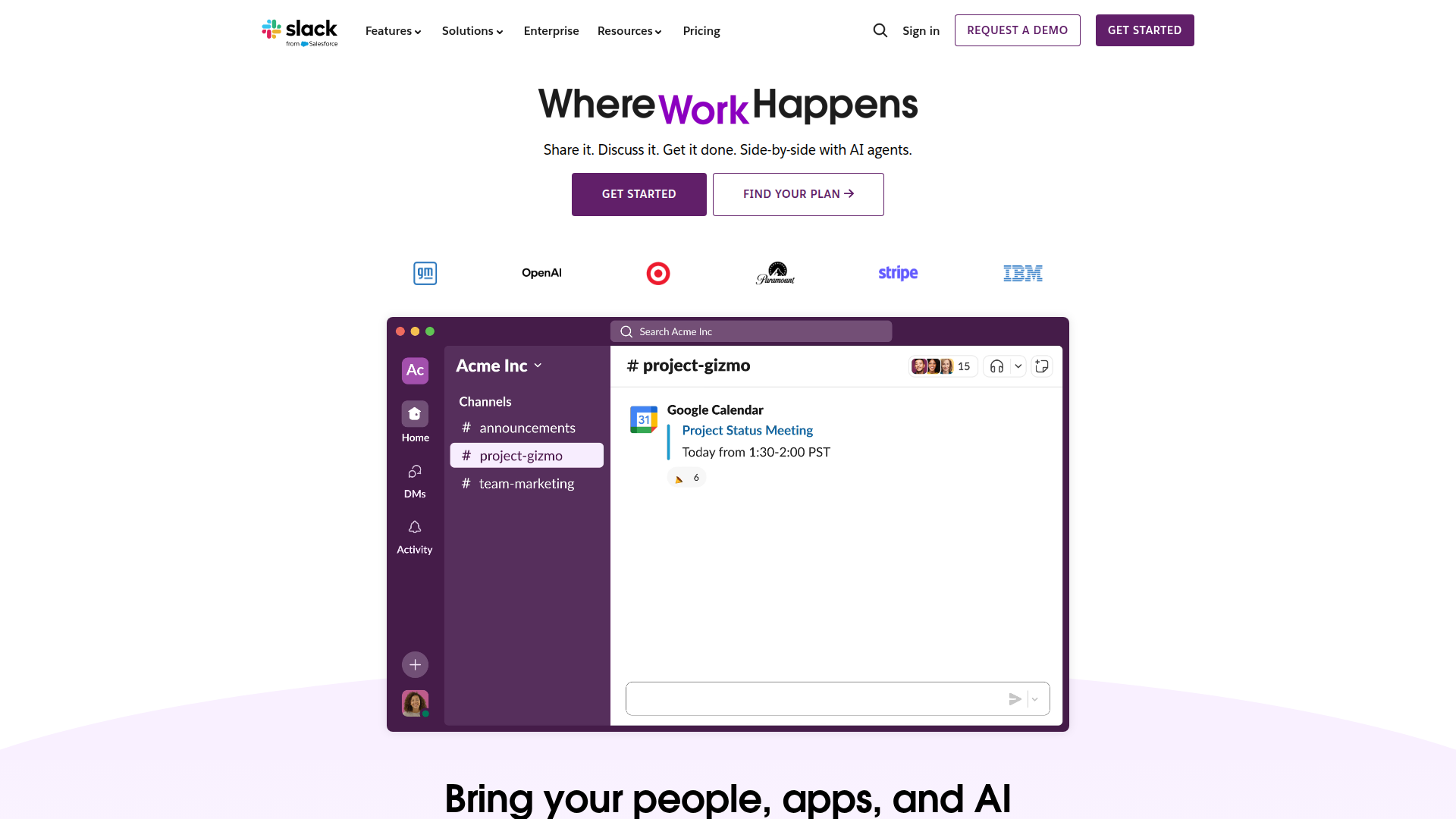
Website: https://slack.com
Pricing: Free with paid tiers starting at $6.67/month
Next up is Slack, a favourite in the professional world but also gaining traction among gaming and hobbyist communities. What makes Slack shine is its versatility.
Teams can easily collaborate in real-time, share files, and manage projects. It’s particularly beneficial for organizations that prioritize communication and efficiency.
Users have praised Slack for its integrated tools, including the ability to connect with a myriad of third-party applications. This ability significantly enhances productivity. However, the interface can sometimes feel cluttered, especially for new users who are just getting the hang of things. Some reviews suggest that the search functionality can be a bit lacking when sifting through a lot of messages. But its standout features include channels for organized communication, robust file-sharing capabilities, and a strong focus on team collaboration.
Website: https://teams.microsoft.com
Pricing: Free with Microsoft 365 plans starting at $5.00/month
**Microsoft Teams** blends workplace communication and collaboration seamlessly, making it a solid choice for those who require more than just chat functionality. It’s particularly great for larger teams or organizations already embedded in the Microsoft ecosystem.
Many users appreciate its integration with other Microsoft tools like Word and Excel, which makes it super convenient for collaboration on various projects. It does have its drawbacks, especially for casual users who may find the interface complex and the educational curve steep. Feedback often points out that navigating Teams can be challenging when compared to more streamlined chat apps. Unique features include meeting scheduling, seamless access to Microsoft Office applications, and threaded conversations that keep discussions organized.
Website: https://element.io
Pricing: Free with paid options for extra features
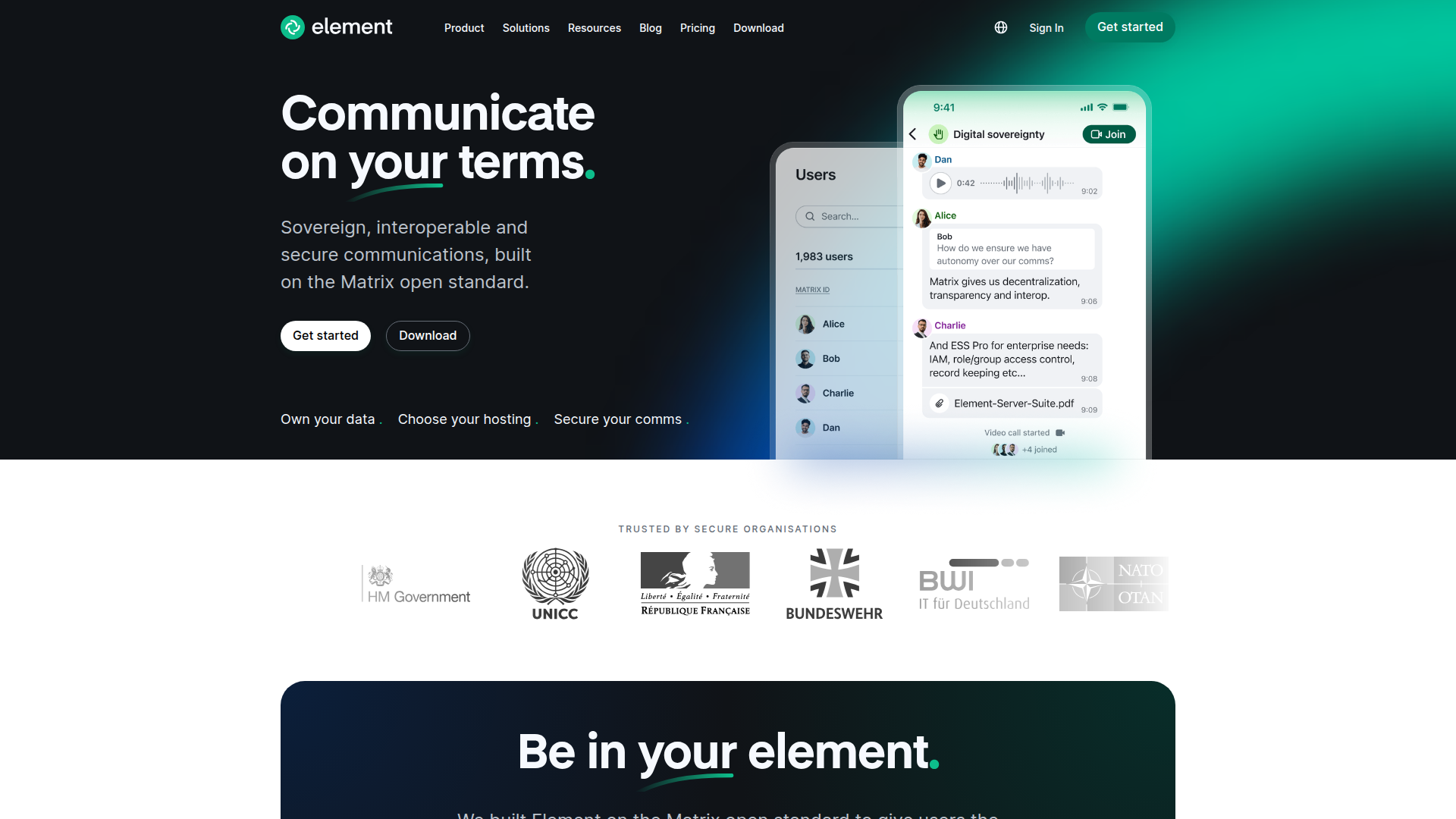
If privacy and open-source are your priorities, then **Element** is worth a look. Originally built on the Matrix protocol, it allows for decentralized communication—ideal for those concerned about data safety. Users appreciate that they can self-host it if they prefer to maintain control over their data, which is a huge selling point.
While many users rave about the security features, some do mention that the learning curve can be considerable, especially for those unfamiliar with decentralized applications. Many find the interface less intuitive than some of its competitors. But its standout features — end-to-end encryption, decentralized architecture, and support for custom integrations, make it a favourite for privacy-conscious individuals.
Website: https://teamspeak.com
Pricing: Pricing varies based on server hosting
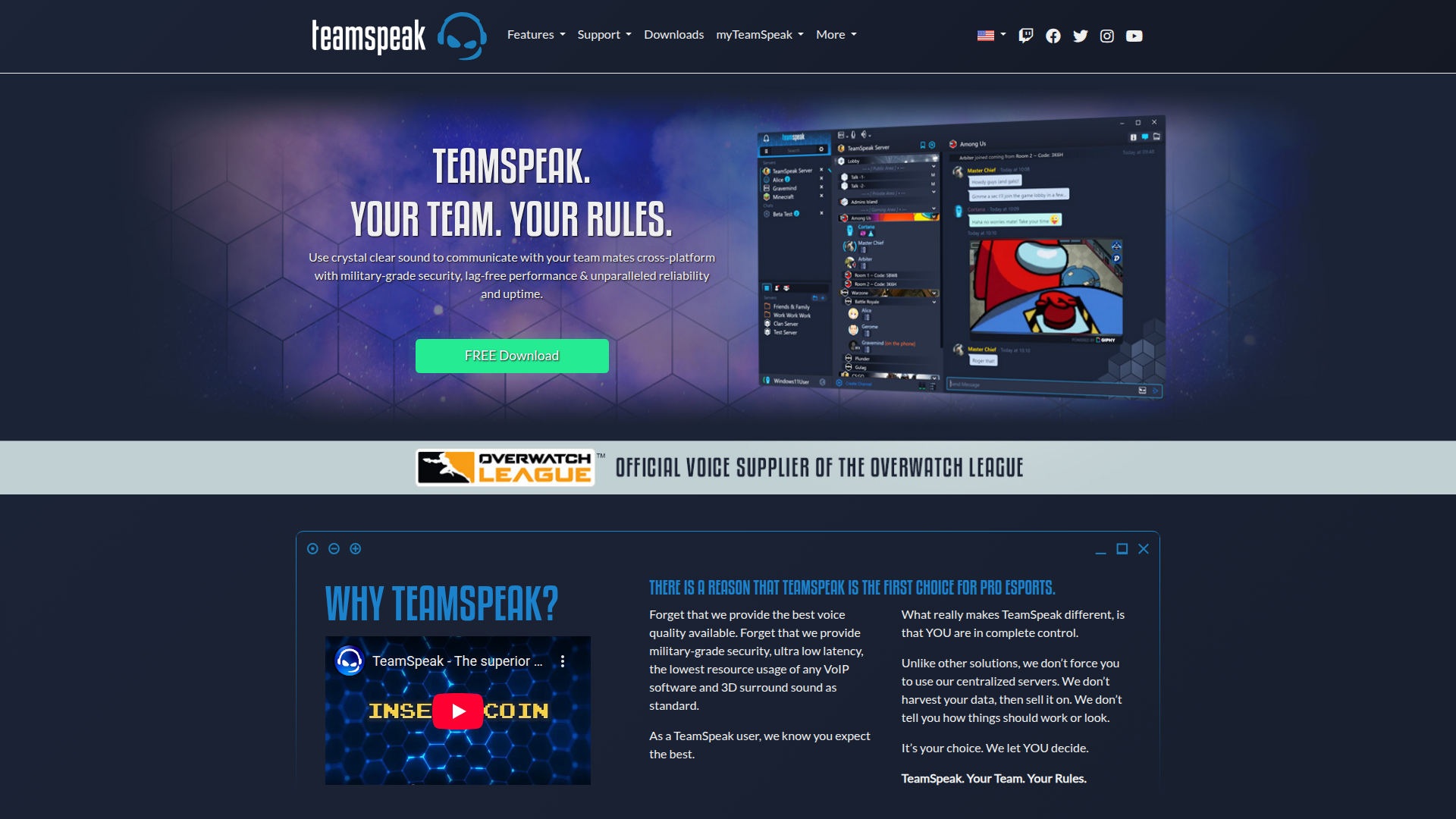
Heading into the gaming sphere, **TeamSpeak** has long been favored by hardcore gamers for its high-quality voice chat functionality. What sets it apart is its low-latency communication, which is crucial during intense gaming sessions. Users frequently highlight its stability and reliability even during full game lobbies.
However, some feedback reveals that the user interface can feel a bit dated compared to more modern platforms. It’s effective, but not the prettiest option out there. That said, the features that keep users loyal include customizable servers, enhanced sound quality, and efficient bandwidth usage, making it a strong contender for gamers.
Website: https://mumble.sourceforge.io
Pricing: Free with the option to host a server for a fee
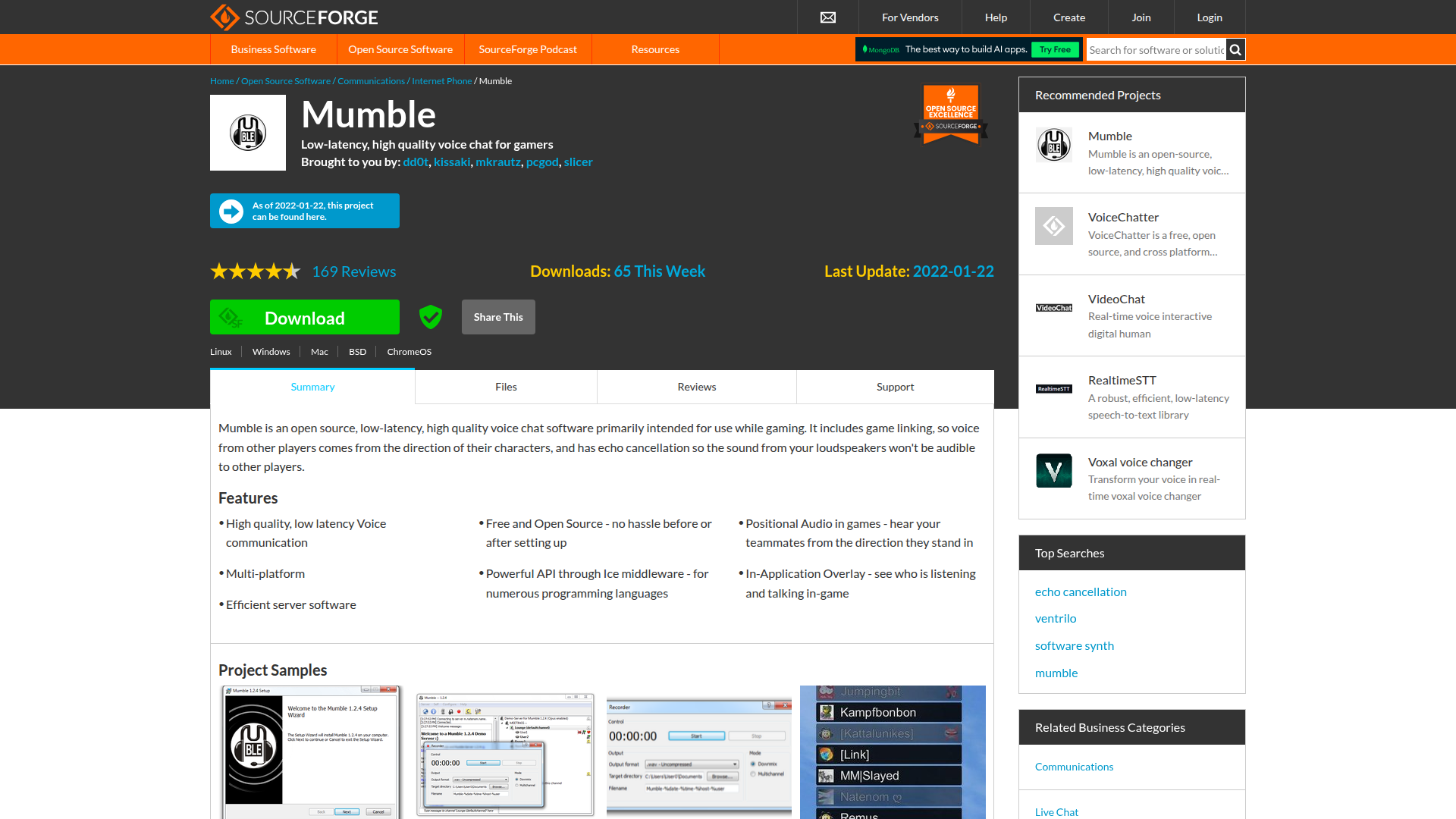
Another option in the gaming community is **Mumble**, known for its low latency and high audio quality. Much like TeamSpeak, it’s favored for its efficiency during group gaming sessions. Users love how light it is on system resources, allowing for smooth communication without bogging down performance.
On the downside, some have reported that the interface feels a bit clunky, especially when compared to modern platforms. Furthermore, Mumble’s reliance on self-hosting may deter some casual users. For those who are tech-savvy, its unique features like positional audio and channel management will likely be appealing.
Website: https://wickr.com
Pricing: Free
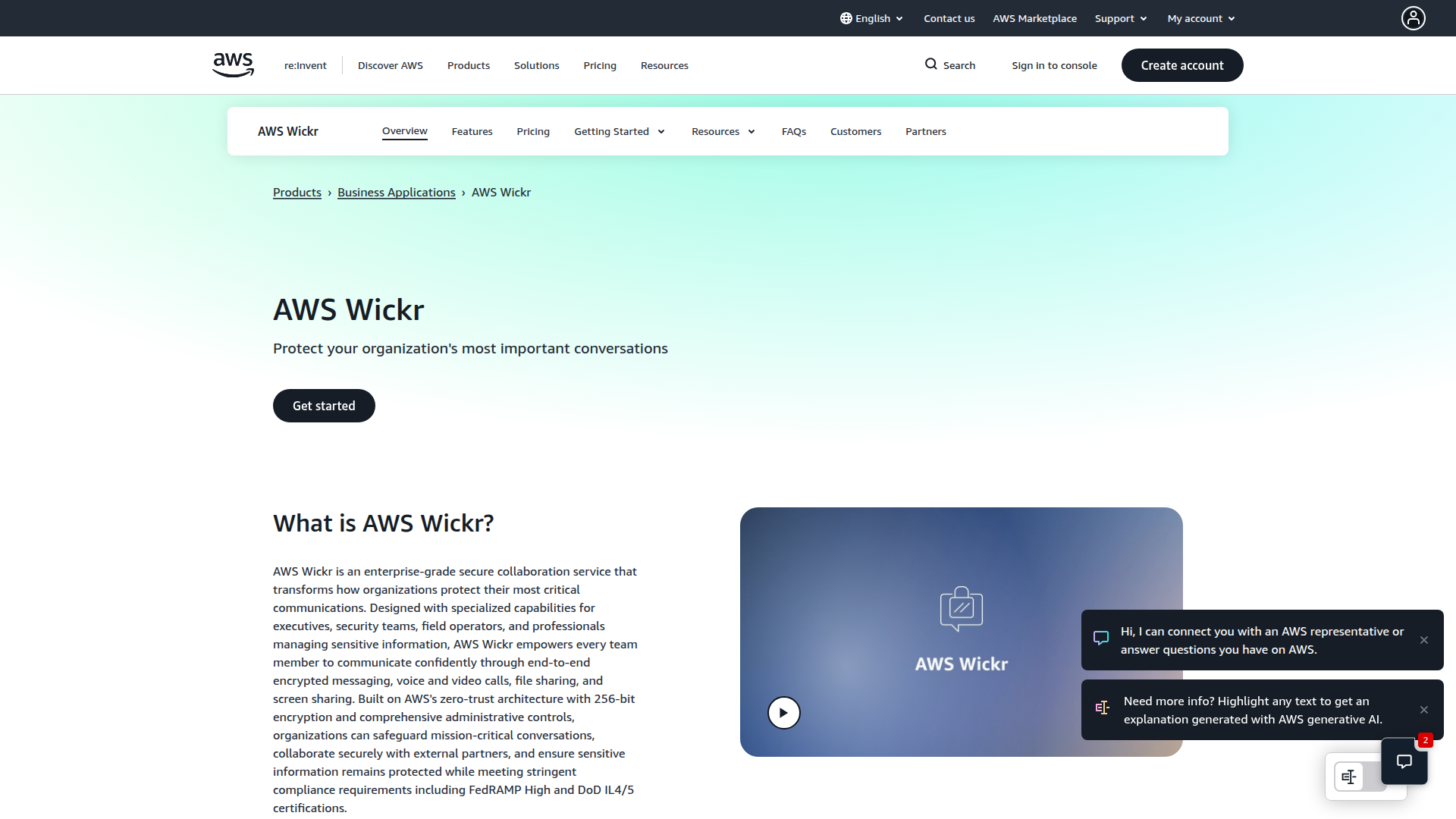
For those leaning towards private messaging, **Wickr Me** provides a secured communication platform with a focus on end-to-end encryption. It’s designed for both personal and professional use, catering to users who prioritize secure discussions. The app has received high marks for its user-friendly design and robust security features, allowing users to send messages that disappear after a set time.
Nonetheless, some user reviews do mention that it may lack comprehensive group features, making it less suitable for larger communities. But for private conversations, key features like encrypted messaging, self-destructing messages, and voice/video calls make it an appealing choice.
Website: https://guilded.gg
Pricing: Free with premium features available
For gamers looking for something hybrid, **Guilded** is a platform that combines elements of a chat app with team management tools. It’s particularly excellent for tracking schedules and organizing events for your gaming crew. Users particularly like its ease of use and focus on community-building features, which help keep everyone engaged.
However, some feedback points out that while it offers a lot of potential, it might still be a bit underdeveloped compared to more established platforms. Nevertheless, Guilded boasts features like integrated calendars, the ability to track game stats, and customizable roles within communities, making it a unique option for gaming groups.
Website: https://about.riot.im
Pricing: Free with paid options available
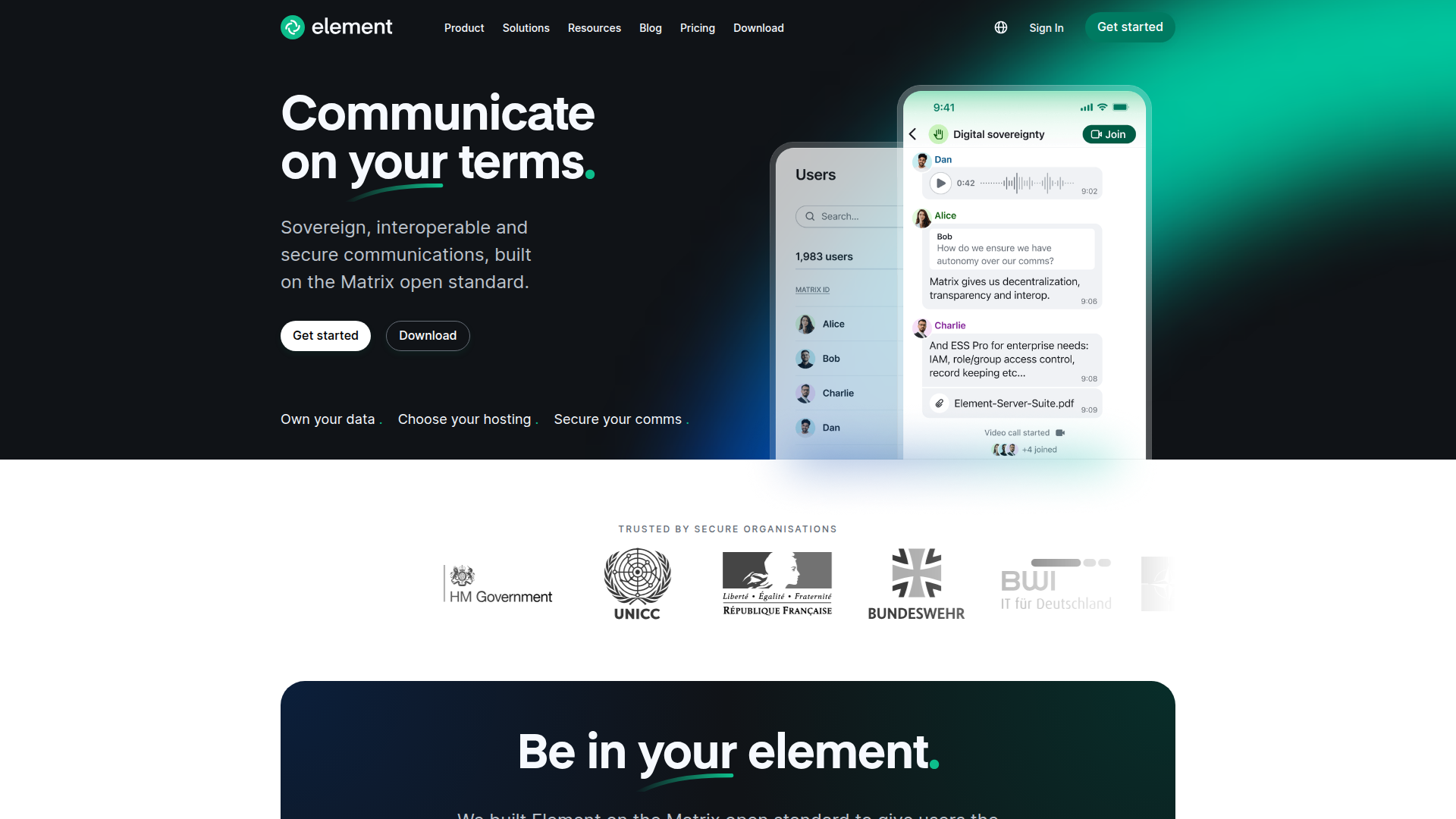
Rounding off this list, Riot.im (now known as Element) offers a robust platform for both messaging and collaboration but is particularly strong in community building. Users appreciate its clear focus on decentralization and security. With features that mirror traditional chat functionalities yet distance themselves from the mainstream, it serves users seeking privacy and control.
Some reviewers have suggested that the user interface could still use some polishing to enhance usability and appeal. Yet, it remains attractive for those who value community features, like public rooms and customizable settings, while maintaining privacy.
As you explore these options, it’s essential to consider what features matter most to you. Are you looking for something simple and direct, or do you need advanced features for team management? Each platform offers its unique perks and drawbacks, so choosing the right one boils down to personal necessity and community goals. We encourage you to check them out, as you might just find the perfect fit for your online engagements!
Create a thriving online community on Odd Circles. Connect with like-minded people, organize events, and grow together - completely free.
Start NowLearn how to generate revenue from your community with our expert consultation. We'll help you discover the best monetization strategies tailored to your audience.
Book a Call
1 members

3 members

1 members